Home
Keyboards
JBuds
Skip to product information
1
/
of
10
JLab
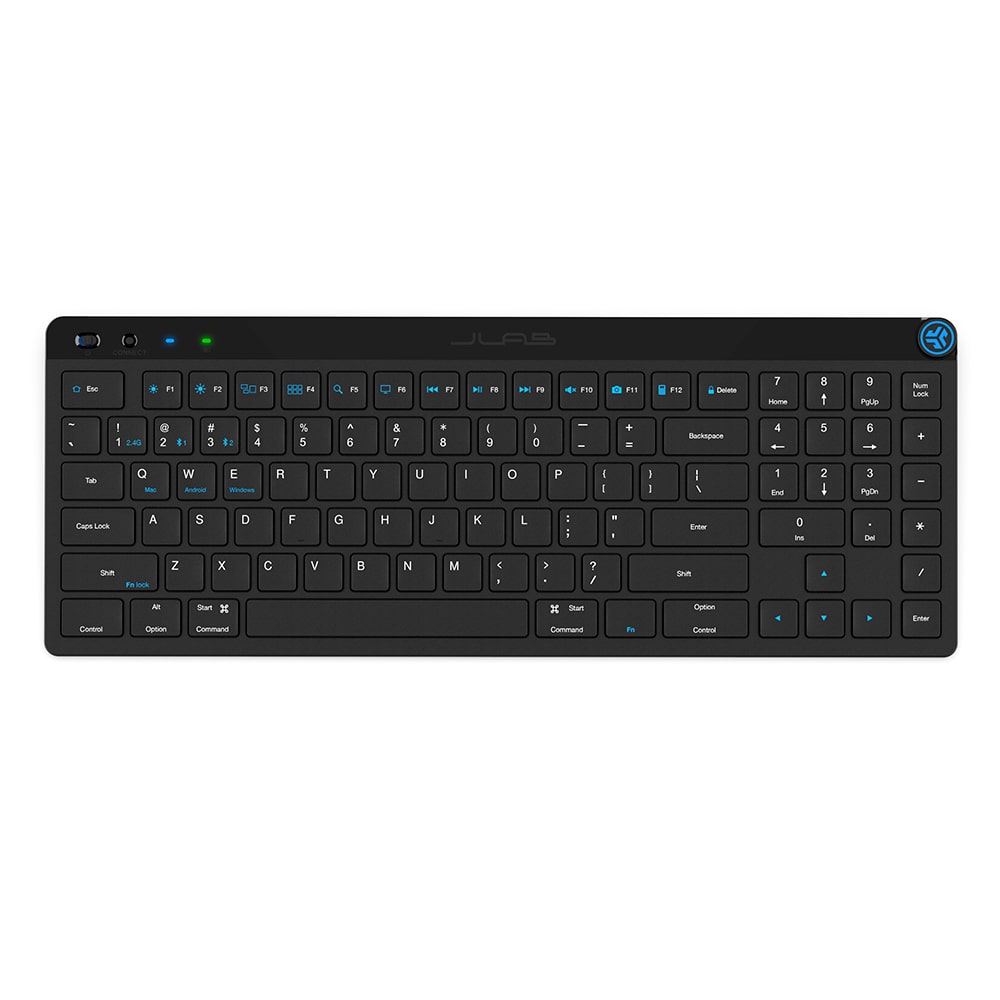
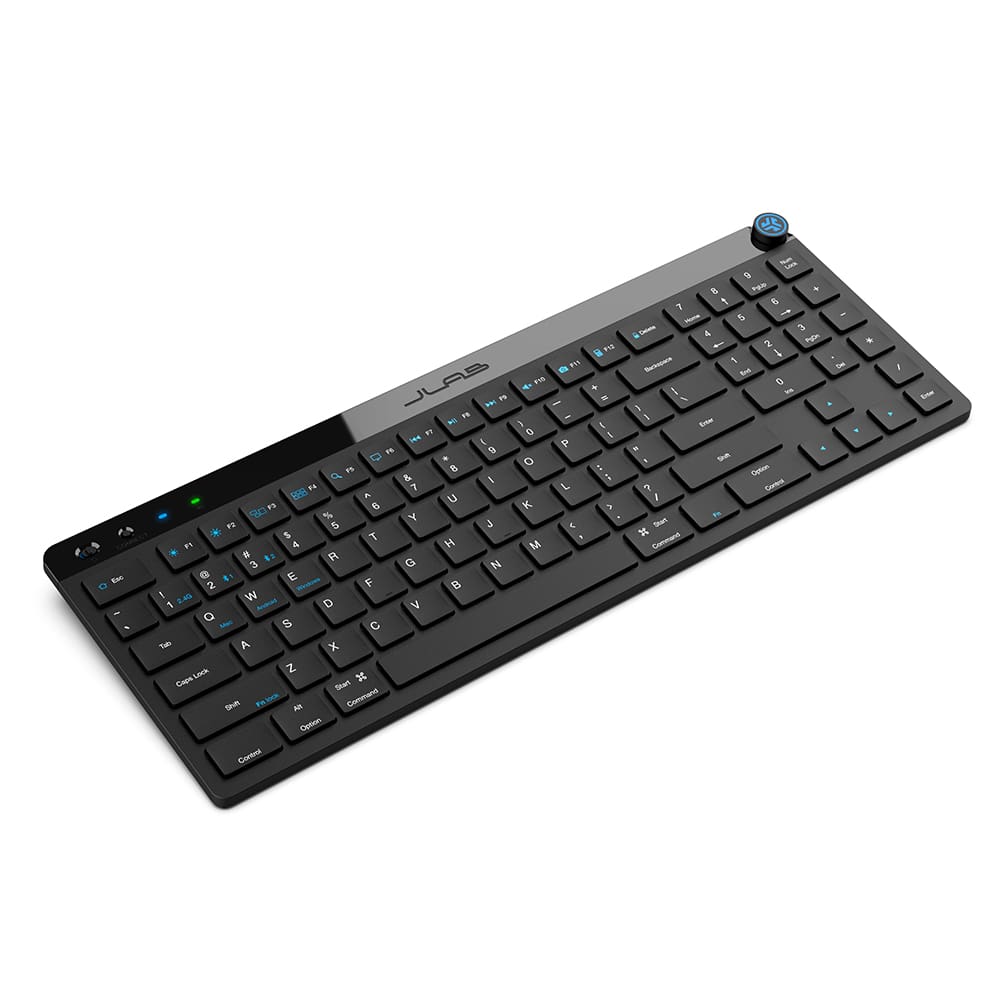
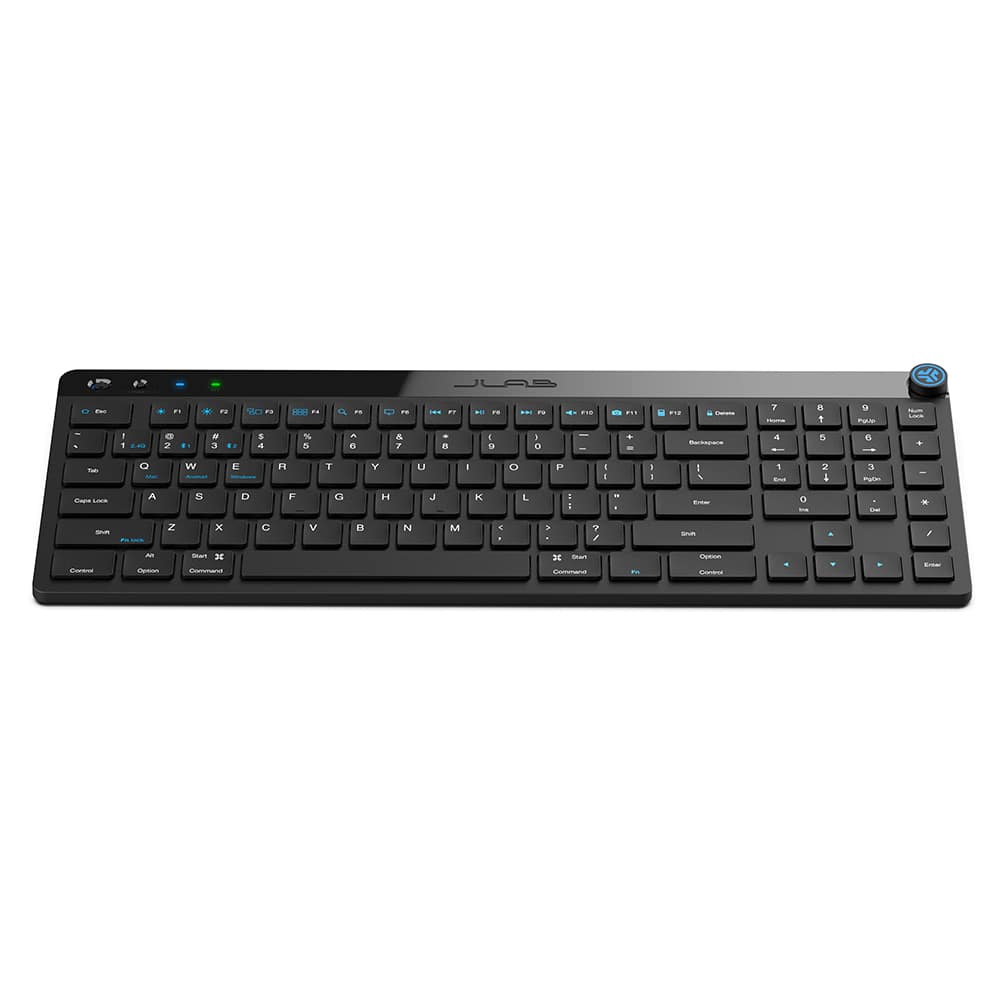
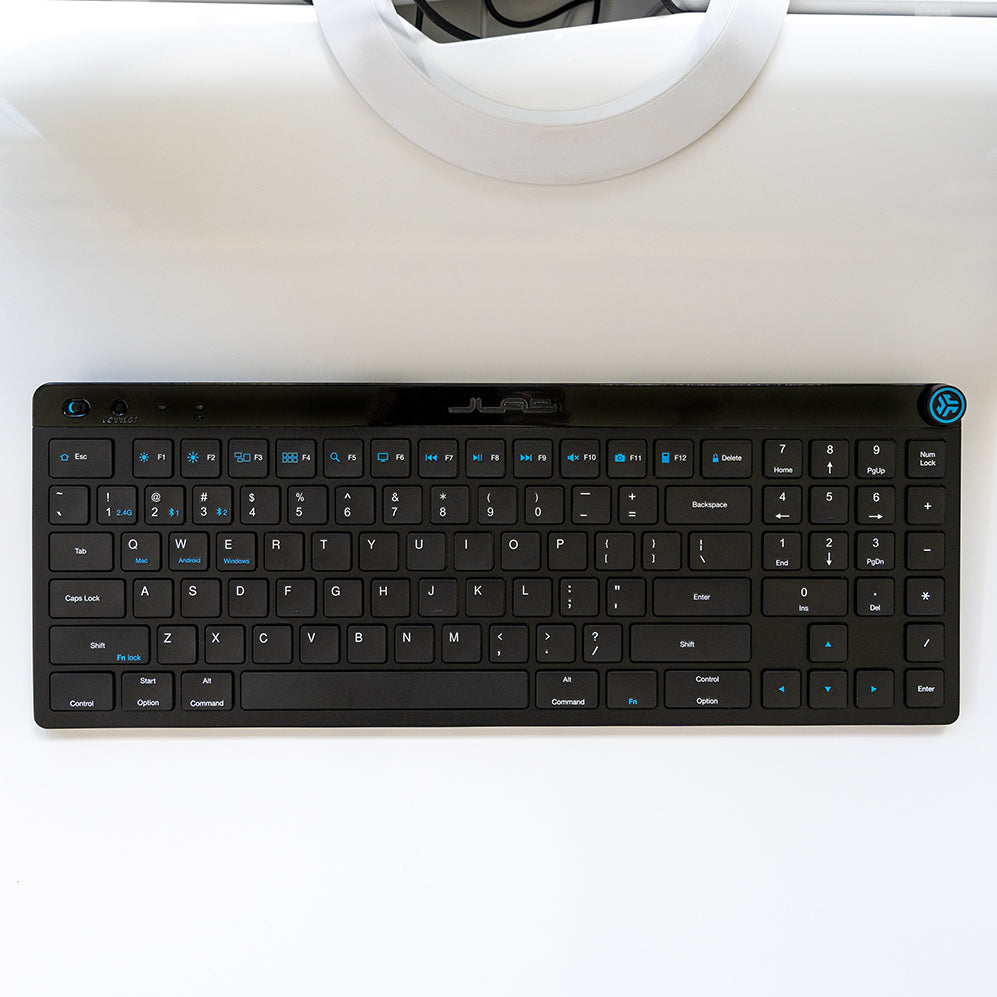
JBuds Wireless Keyboard
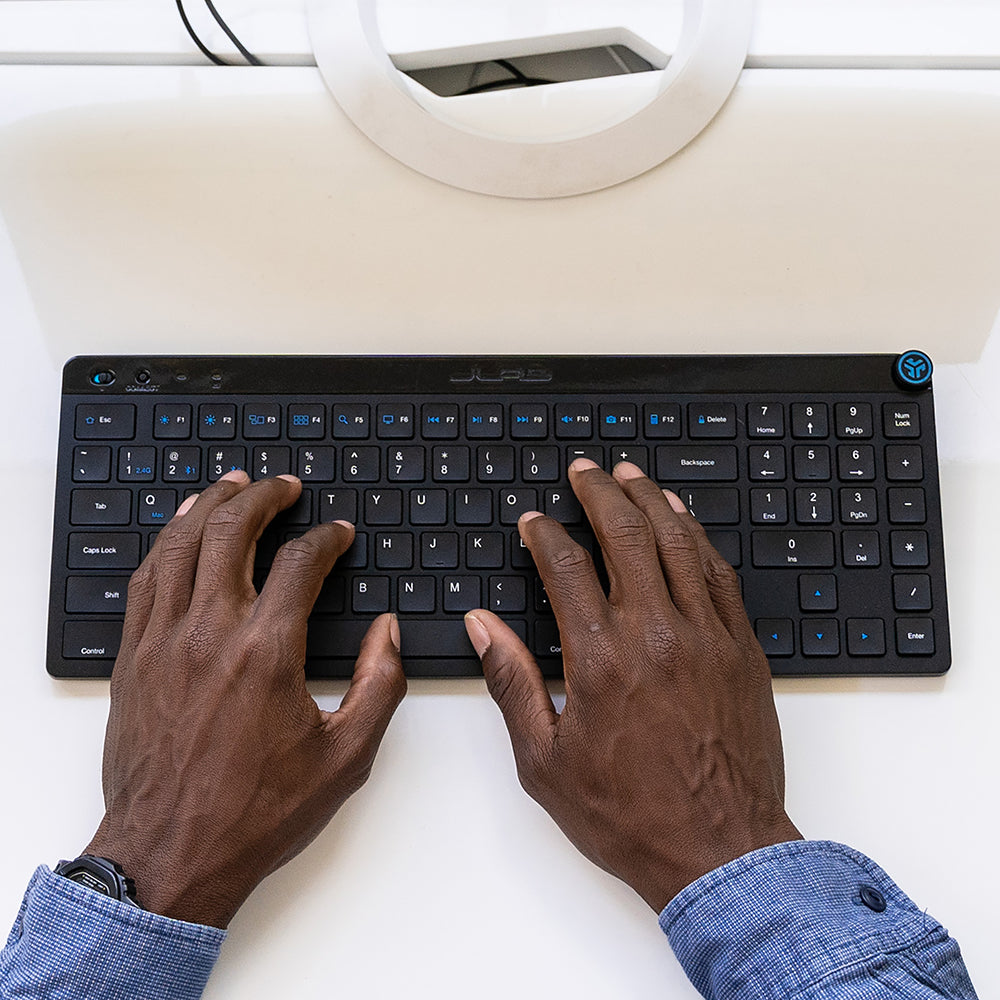
Multi-device wireless keyboard with all-around performance for home or office
Shipping:
Requires International Paid Shipping
JBuds Quick Look
Bluetooth Connection
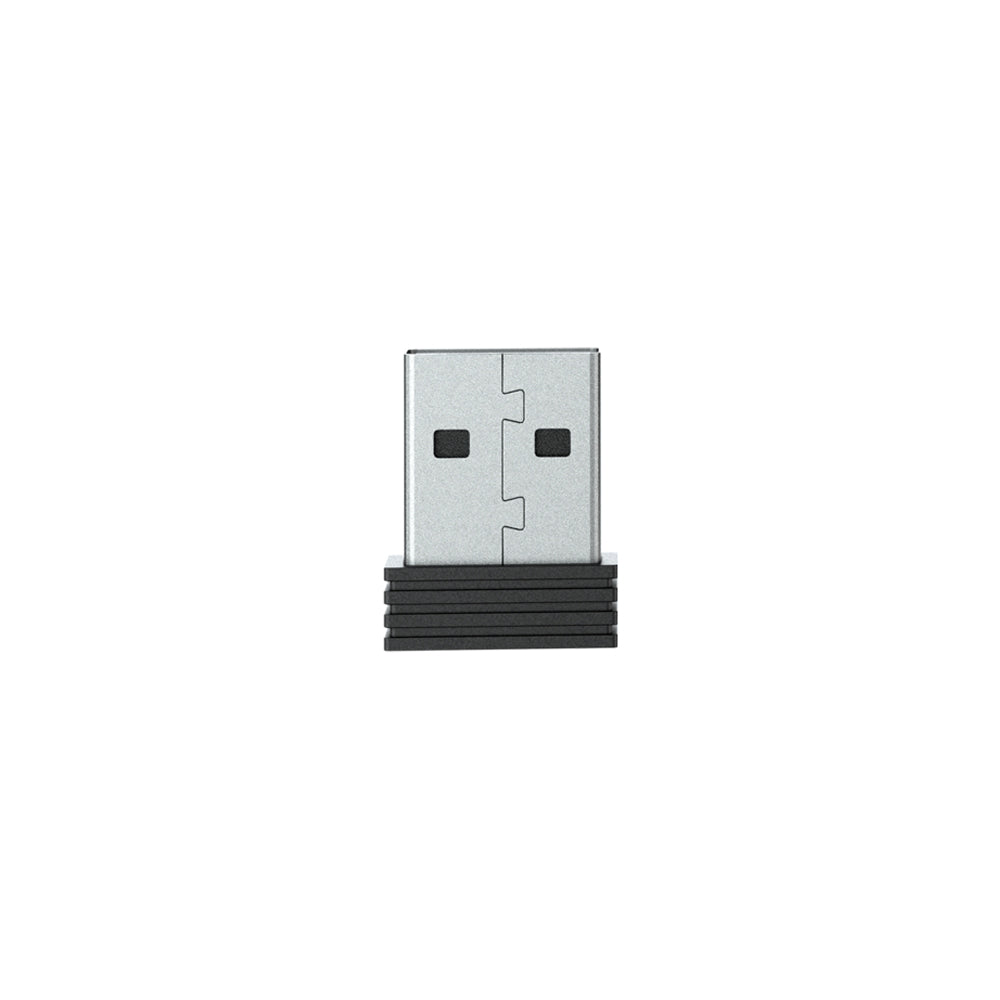
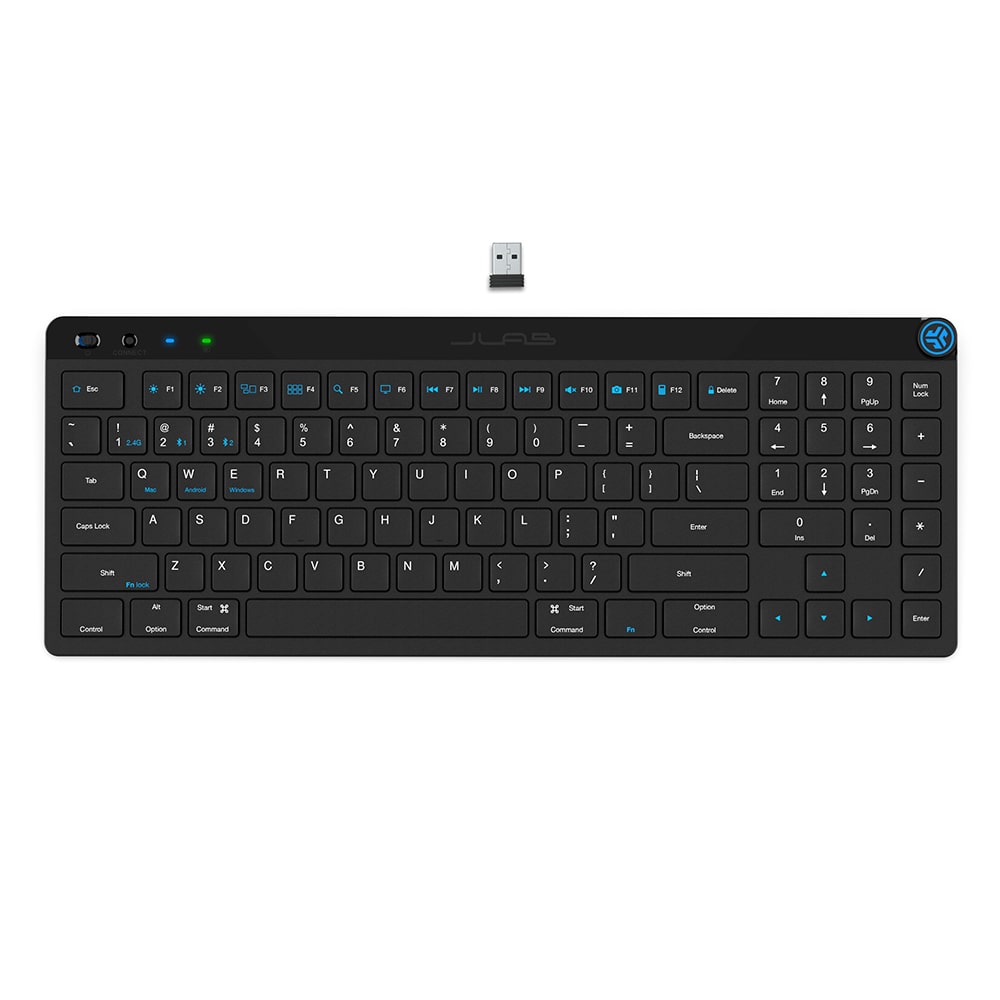
Connect Via Bluetooth or USB Wireless Dongle
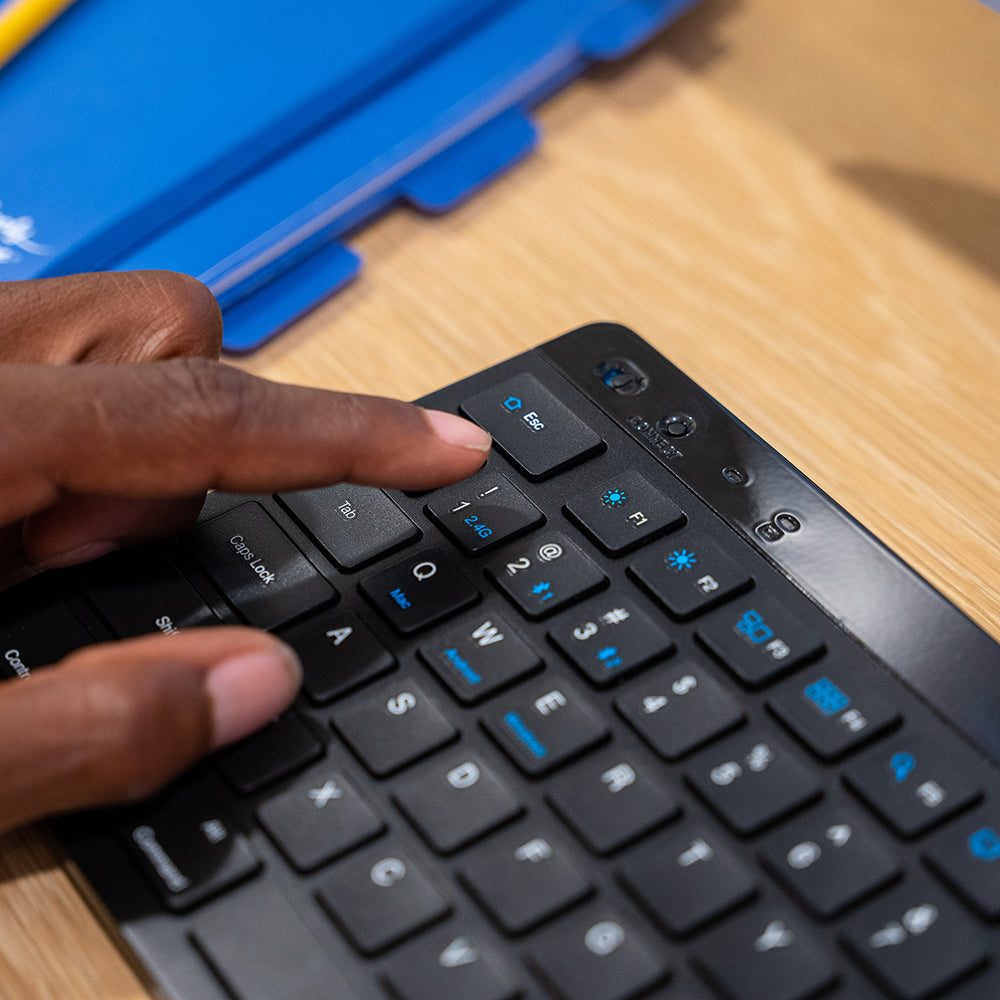
Easy Switch
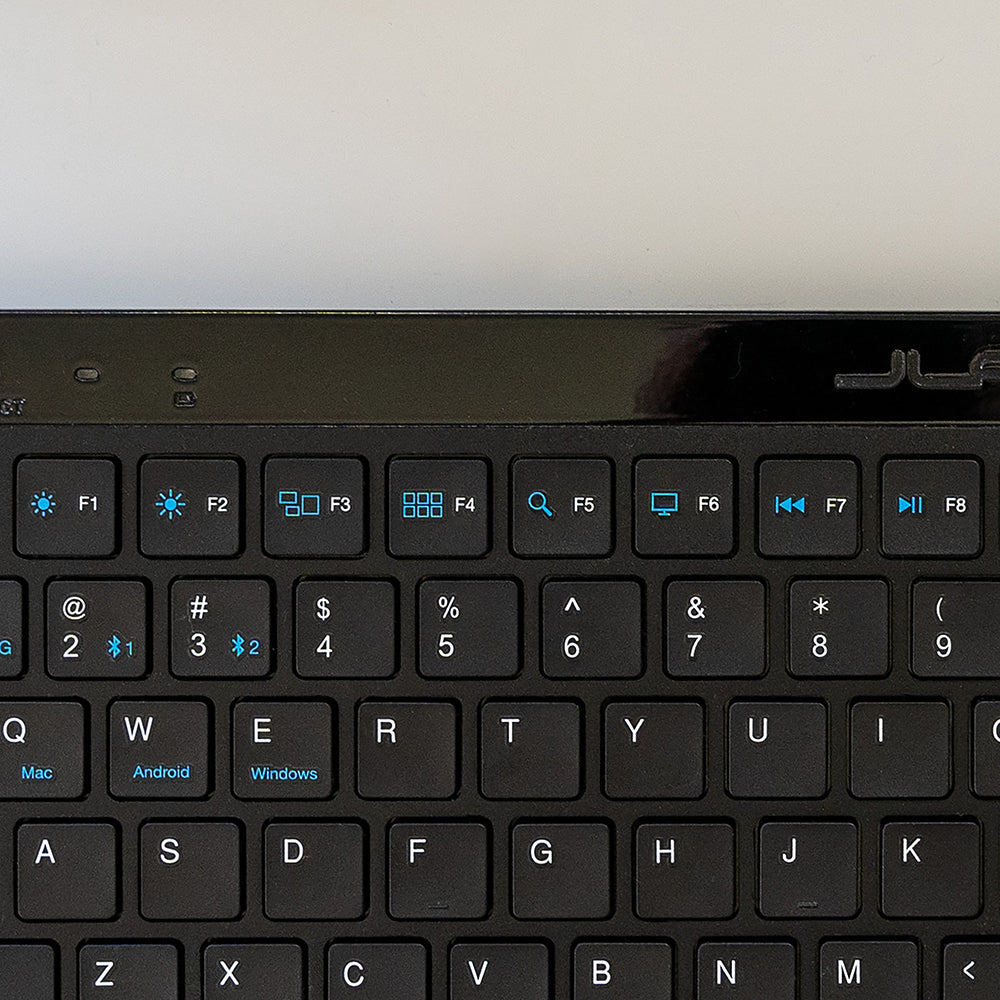
Easy Switch Between Three Saved Devices (Laptop, Phone, Tablet and more)
Number Pad
Laptop Keys with Number Pad
Shortcut Keys
Accessible Shortcut Keys Improve Productivity
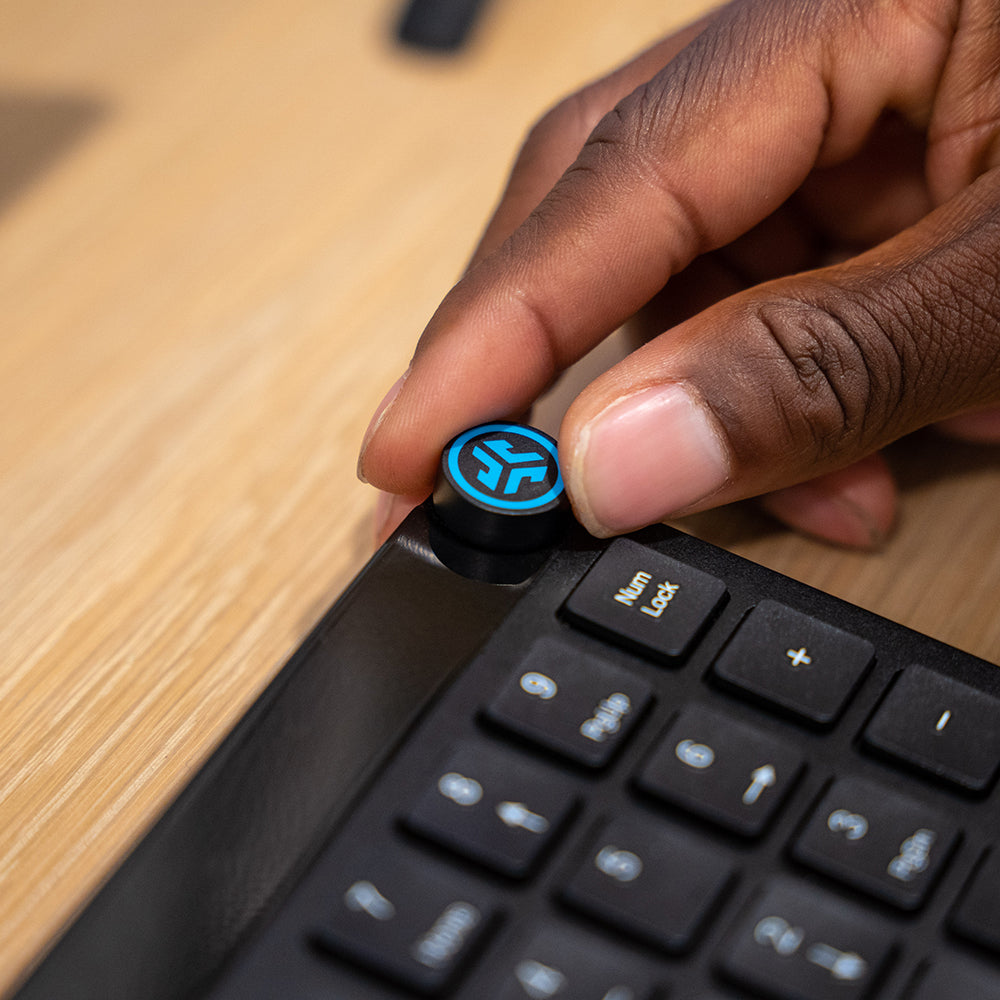
Media Knob
Easy-Access Media Knob
Rechargeable Battery
Rechargeable Battery Lasts 10+ Months
Saved Profiles
JLab Work App: Saved Profiles, Programmable Shortcut Keys
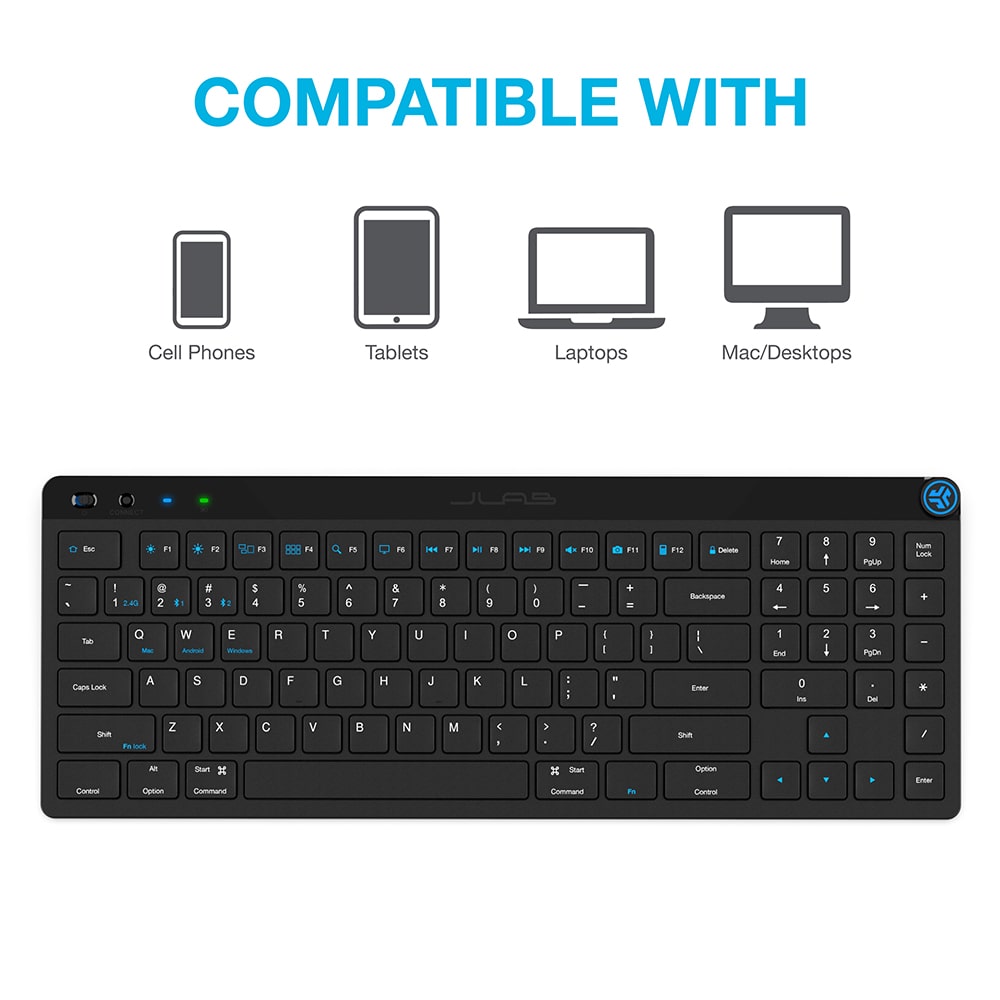
Compatible
Switch Between Operating Systems: Windows, iOS/MAC, Android and Chrome OS
Your Features, Your Style
The JBuds Wireless Bluetooth Keyboard gives you pro-level performance in a stylish package. In addition to standard hotkeys and a numerical pad, use our JLab Work App to program your own shortcuts and save up to three unique user profiles. Whether you’re in the work zone or in game mode, connect to whichever device you prefer and have easy access to the functions you use most.
Tech Specs
App
Connectivity
Product Dimensions
Audio Features
Battery
Keyboard
App Name
JLab Work
App Support
Yes
Saved Profiles
Yes
Connectivity
Bluetooth Version
2.4 gHz + Bluetooth 5.2
Dongle
USB-A
Product Dimensions
Product Height (in.)
0.96
Product Length (in.)
14.5
Product Weight (Total, g)
470
Product Width (in.)
5.5
Audio Features
Includes
JBuds Keyboard, USB-A Dongle, and JLab 2 Year Limited Warranty.
Battery
Battery (Backlight Off)
10+ months
Charge Cable
USB-C
Input Power
3.3 - 4.2V
Keyboard
Form Factor
Full Size (100%)
Hotkeys
Yes
Key Operating Life
5 million cycles
Key Operation Force
0.8 kgf
Key Return Force
75 +/- 10 gf
Key Stroke Distance
1.8 mm +/- 0.3 mm
Keycap Type
ABS
Media Knob
Yes
Number of Keys
95
Number Pad
Yes
OS Layout Keys
Yes
Switch Type
Scissor
Top Cover Material
ABS
What's In The Box
For JLab products with rechargeable batteries
This product does not come with a charger/wall adapter. The power delivered by the charger must be between min 2.5 Watts required by the radio equipment and max 5 Watts to achieve the maximum charging speed.
FAQ
Collapsible content
How does the JBuds Wireless Keyboard connect to devices?
The JBuds Wireless Keyboard can connect via Bluetooth, allowing you to pair it with your preferred device quickly and easily.
Can I customize the keys on the JBuds Wireless Keyboard?
Yes, you can use the JLab Work App to program your own shortcuts and customize the keys, tailoring the keyboard to your specific needs and preferences.
How many user profiles can I save on the JBuds Wireless Keyboard?
You can save up to three unique user profiles on the JBuds Wireless Keyboard, making it easy to switch between different settings for work, gaming, or other tasks.
Does the JBuds Wireless Keyboard include a numerical pad?
Yes, the JBuds Wireless Keyboard features a full-sized numerical pad, providing all the functionality you need for efficient data entry and calculations.
Is the JBuds Wireless Keyboard compatible with different operating systems?
Yes, the JBuds Wireless Keyboard is compatible with various operating systems, including Windows, Mac OS, and Chrome OS, ensuring versatility across different devices.
Can the JBuds Wireless Keyboard be used for gaming?
Absolutely! The JBuds Wireless Keyboard is designed for both work and play, with customizable keys and user profiles that make it a great choice for gaming as well as productivity tasks.
What makes the JBuds Wireless Keyboard a good choice for professional use?
The JBuds Wireless Keyboard offers pro-level performance with customizable keys, multiple device connections, and user profiles, making it a powerful tool for professionals who need flexibility and efficiency.
Does the JBuds Wireless Keyboard have hotkeys?
Yes, the JBuds Wireless Keyboard includes standard hotkeys for quick access to common functions, enhancing your productivity.
How do I customize the keyboard settings with the JLab Work App?
You can use the JLab Work App to customize key functions, create shortcuts, and save user profiles, giving you control over how your JBuds Wireless Keyboard operates to best suit your workflow.