Home Go Work 3 & GO Pop Cam
Skip to product information
1 of 5

JLab

Go Work 3 & GO Pop Cam Work Bundle

Stay productive with 70+ hours of wireless headset playtime, clear 2-mic ENC calls, and 1080p HD video — everything you need for a great workday in one bundle.
Coupon
View full details

Look Good. Sound Better. Work Smarter.

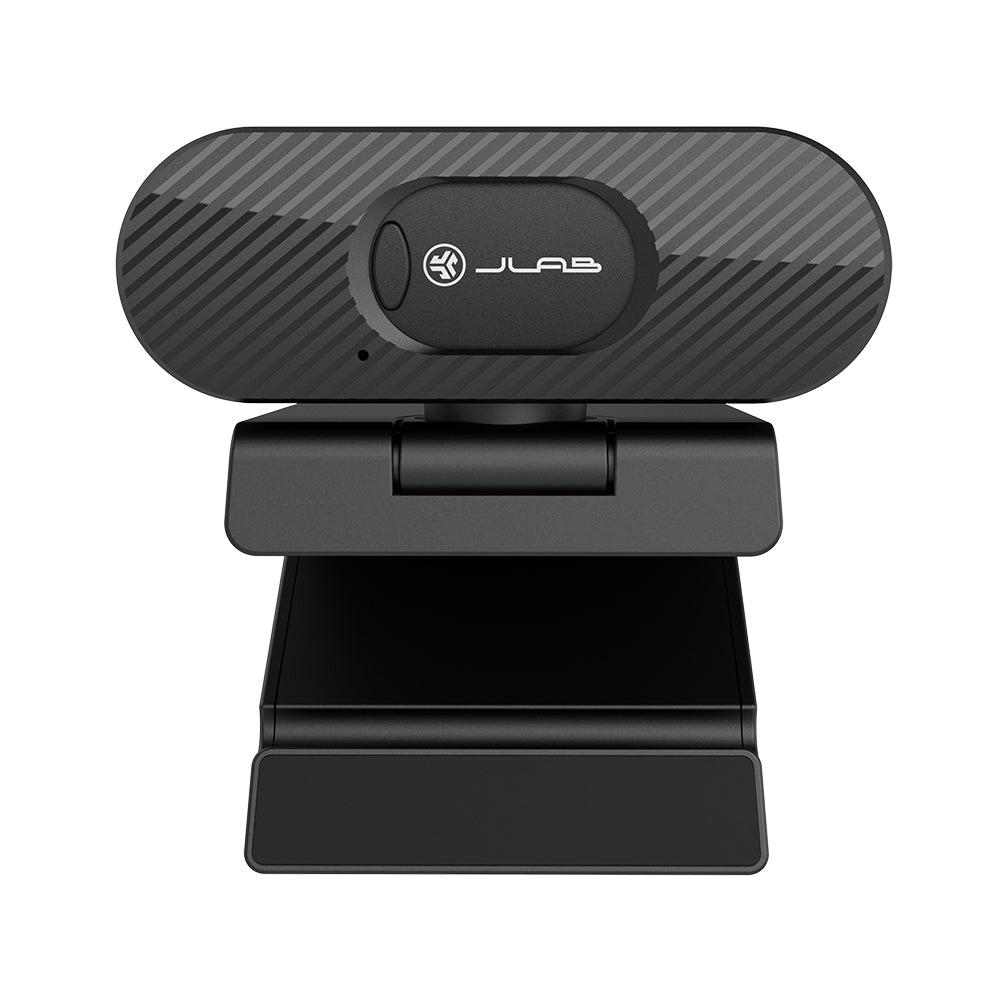
A complete work-from-anywhere setup built for clarity, comfort, and productivity. The Go Work 3 keeps you connected all day with 55+ hours of wireless playtime, 2-mic ENC for crystal clear calls, and Cloud Foam cushions that never wear out their welcome. The Go Pop Webcam brings 1080p HD video, automatic light correction, and an 80-degree field of view so you always show up looking sharp. One bundle, every call covered.

What's In The Box

Go Work 3 Headset
Go Pop USB Webcam
For JLab products with rechargeable batteries

This product does not come with a charger/wall adapter. The power delivered by the charger must be between min 2.5 Watts required by the radio equipment and max 5 Watts to achieve the maximum charging speed.

FAQ

Collapsible content

How do I connect the Go Work 3 to my devices?

The Go Work 3 offers three connection options: wirelessly via Bluetooth, wired via USB-C cable, or through the included USB-C offset dongle for a fast and stable wireless connection. Bluetooth Multipoint lets you stay connected to two devices at the same time.

How long does the battery last on the Go Work 3?

The Go Work 3 delivers 55+ hours of total playtime and 34+ hours of talk time. It charges fully in about 2.5 hours via USB-C and offers 400+ hours of standby time. Quick Charge gives you 7 hours of use from just 10 minutes of charging.

Can I use the Go Work 3 for Zoom, Teams, or Google Meet?

Yes. The Go Work 3 works with all major video conferencing platforms including Zoom, Microsoft Teams, and Google Meet. The USB-C dongle or wired connection provides the most stable performance, and the 2-mic ENC ensures your voice comes through clearly.

How does the mute function work on the Go Work 3?

The Go Work 3 features a bendable quick mute rotating mic. Rotate it up to mute instantly and back down to resume speaking.

What is Bluetooth Multipoint?

Bluetooth Multipoint lets the Go Work 3 stay connected to two devices at once — like a phone and a laptop — so you can switch between them without reconnecting.

Where does the USB-C dongle store on the Go Work 3?

The offset USB-C dongle stores directly on the headset when not in use, keeping it easy to access and travel-ready.

Can I customize the sound and settings on the Go Work 3?

Yes. Through the JLab App you can customize EQ settings, switch between Voice and Music modes, adjust ENC levels, and program controls for quick access to your favorite features.

How comfortable is the Go Work 3 for long workdays?

The Go Work 3 features Cloud Foam earcups and headband designed for extended wear. At just 147g it stays comfortable through even the longest calls and work sessions.

What is the wireless range of the Go Work 3?

The Go Work 3 uses Bluetooth 5.3 with a wireless range of 30+ feet. It supports SBC and AAC codecs along with HSP, HFP, A2DP, and AVRCP protocols.

What is in the box with the Go Work 3?

The Go Work 3 package includes the wireless headset, USB-C charging cable, and USB-C offset dongle.

What resolution does the Go Pop Webcam shoot in?

The Go Pop Webcam shoots in full 1080p at 30fps, delivering smooth and clear video for calls, meetings, and webinars.

How does the Go Pop Webcam handle different lighting conditions?

The Go Pop Webcam includes automatic light correction to keep your image looking sharp and balanced regardless of your workspace lighting.

What computers is the Go Pop Webcam compatible with?

The Go Pop Webcam works with PC, Mac, and Chromebook running Windows 7 or later, macOS 10.14 or later, and Chrome OS. It also works with Surface devices.

Is the Go Pop Webcam easy to set up?

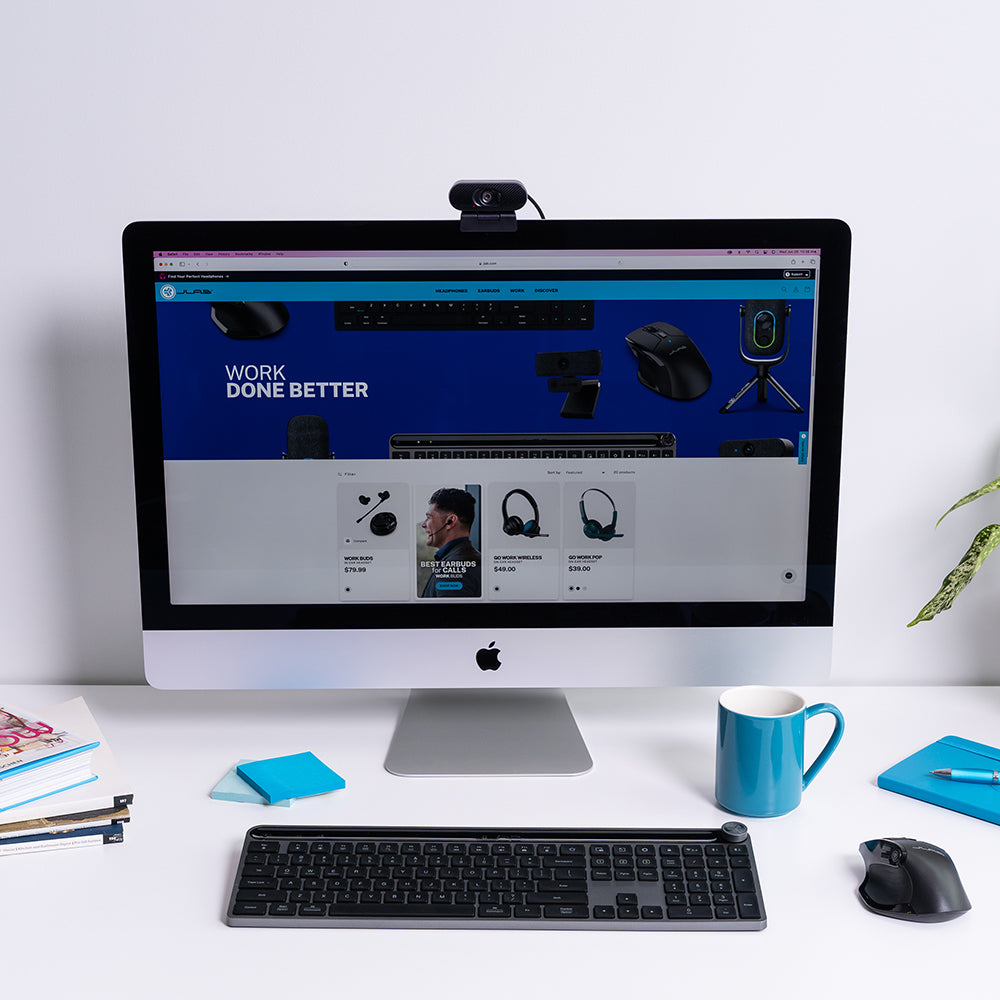
Yes. Just plug the USB-A cable into your computer and you are ready to go — no drivers or software needed. The universal adjustable clip fits most monitors and screens.

Does the Go Pop Webcam have a privacy shutter?

Yes. The Go Pop Webcam includes a built-in privacy shutter. Slide it closed to instantly cover the lens when you are not on a call.

What are the camera specs on the Go Pop Webcam?

The Go Pop Webcam features 1080p video at 30fps, 2.1 megapixels, an 80-degree field of view, fixed focus, a focal range of 30cm or more, and a 1/2.7 inch image sensor.

Reviews

Get it via Standard Delivery Shipping to Your Location Change
607,00 kr
Show