
We want you to have the best audio experience with our products and we know each individual enjoys a different sound experience. We designed many of our headphones and earbuds with the ability to tune your audio between our three custom EQ3 Sound modes: Signature, Balanced and Bass Boost – without an app.
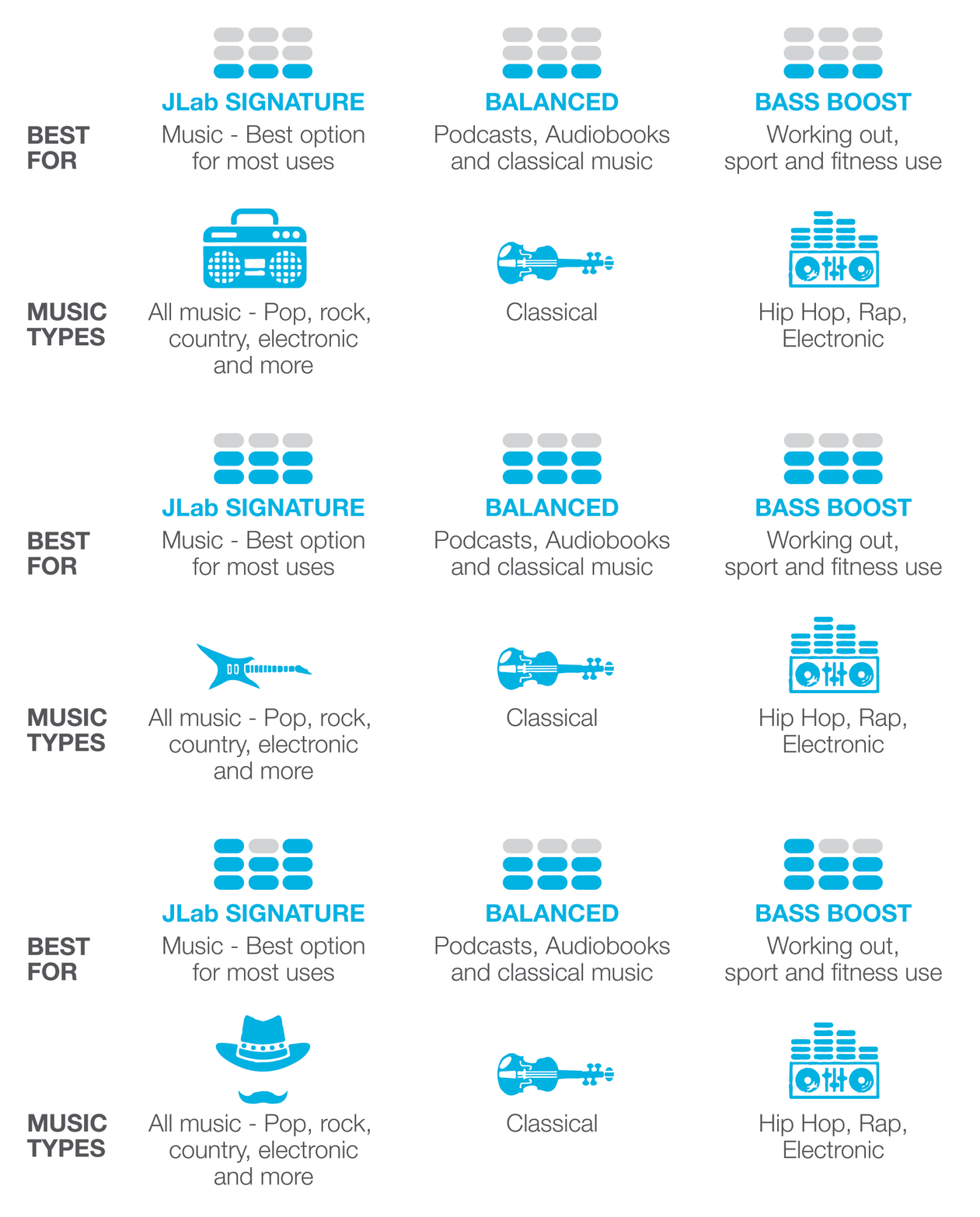
- Signature offers amplified vocals and bass.
- Balanced offers even sound across all curves.
- Bass Boost amplifies bass and sub-bass.
Why change the EQ setting?
Because it will make a difference in the way you listen to your audio product. The EQ setting lets you manipulate your sound so you listen the way you want to listen. We all know some enjoy more bass than others, or maybe just an all around even tone, changing the EQ setting lets you find your personal preference.
Hear the difference in this video:
Out of the box your product will be set on JLab Signature, but you can adjust the earbuds sound setting by pressing the up arrow and down arrow at the same time. They'll stay on whichever sound you choose to settle on. There is no adjusting of the sound waves yourself. They are pre-designed in the earbud.