


JLab
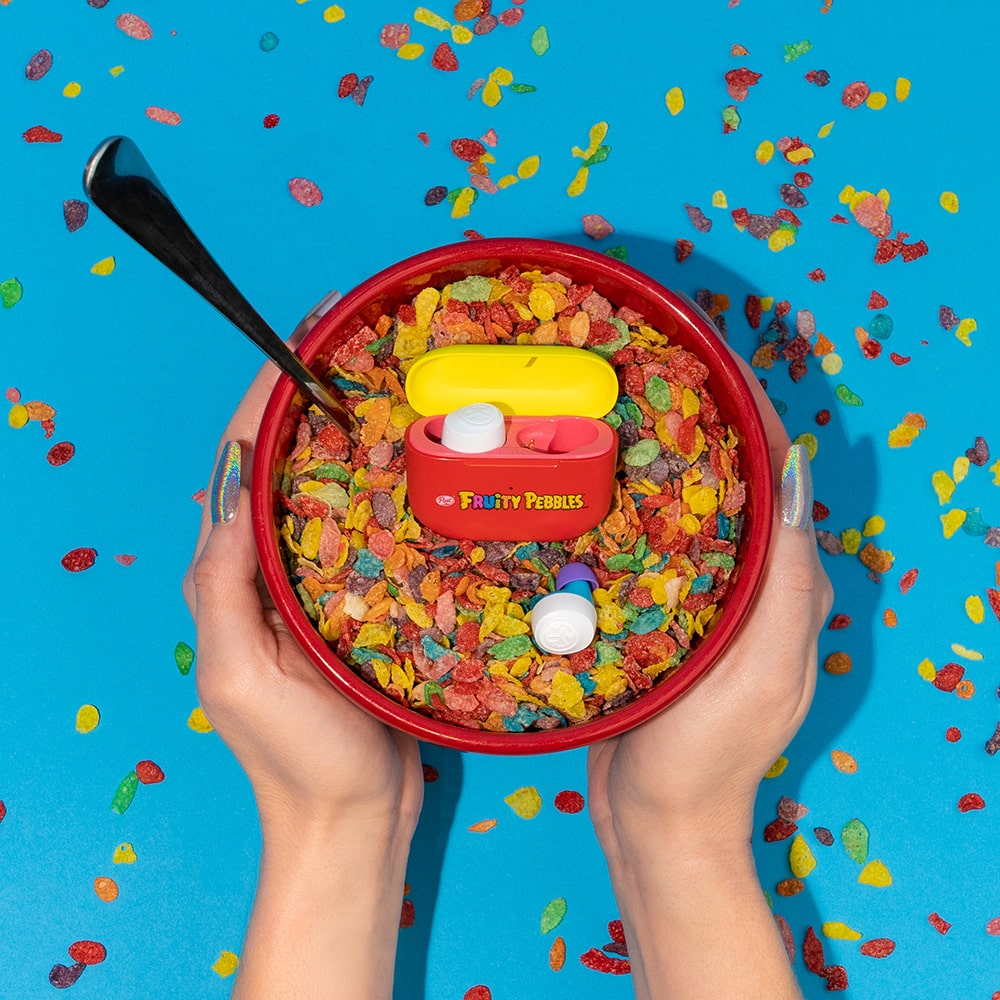
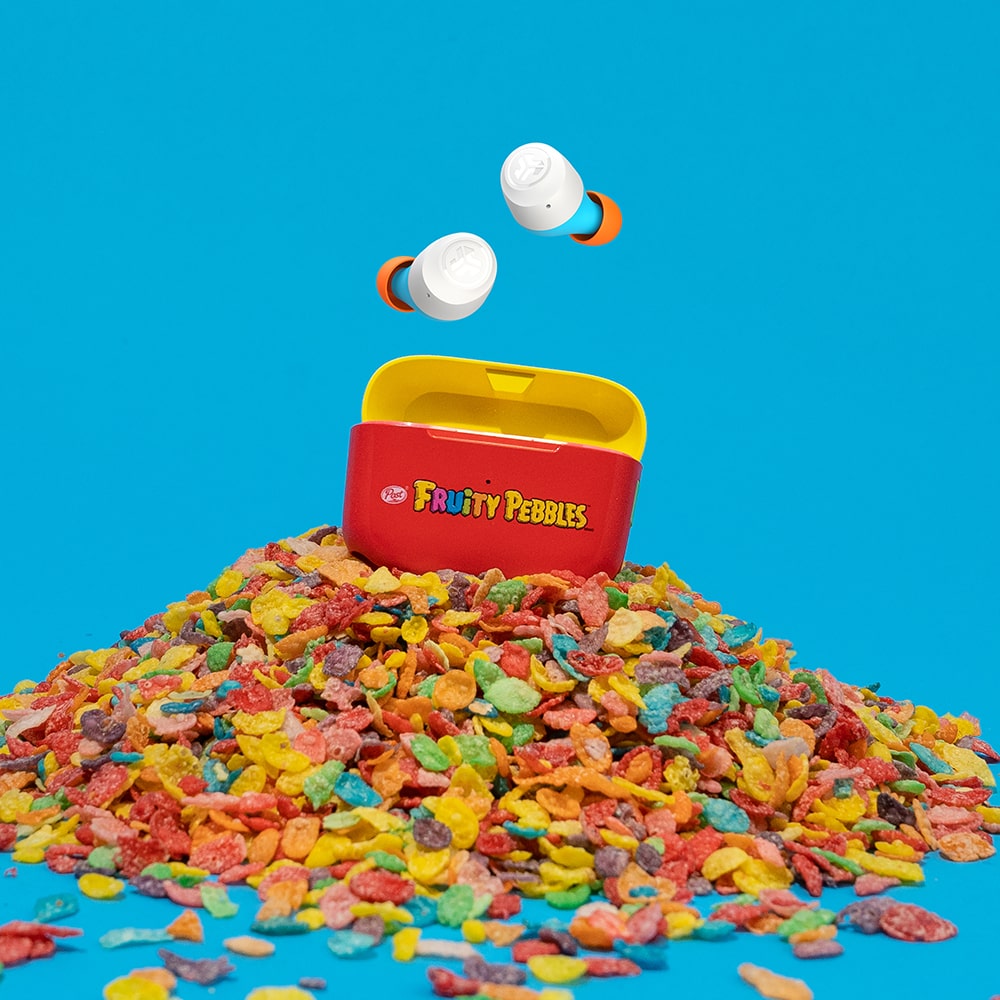
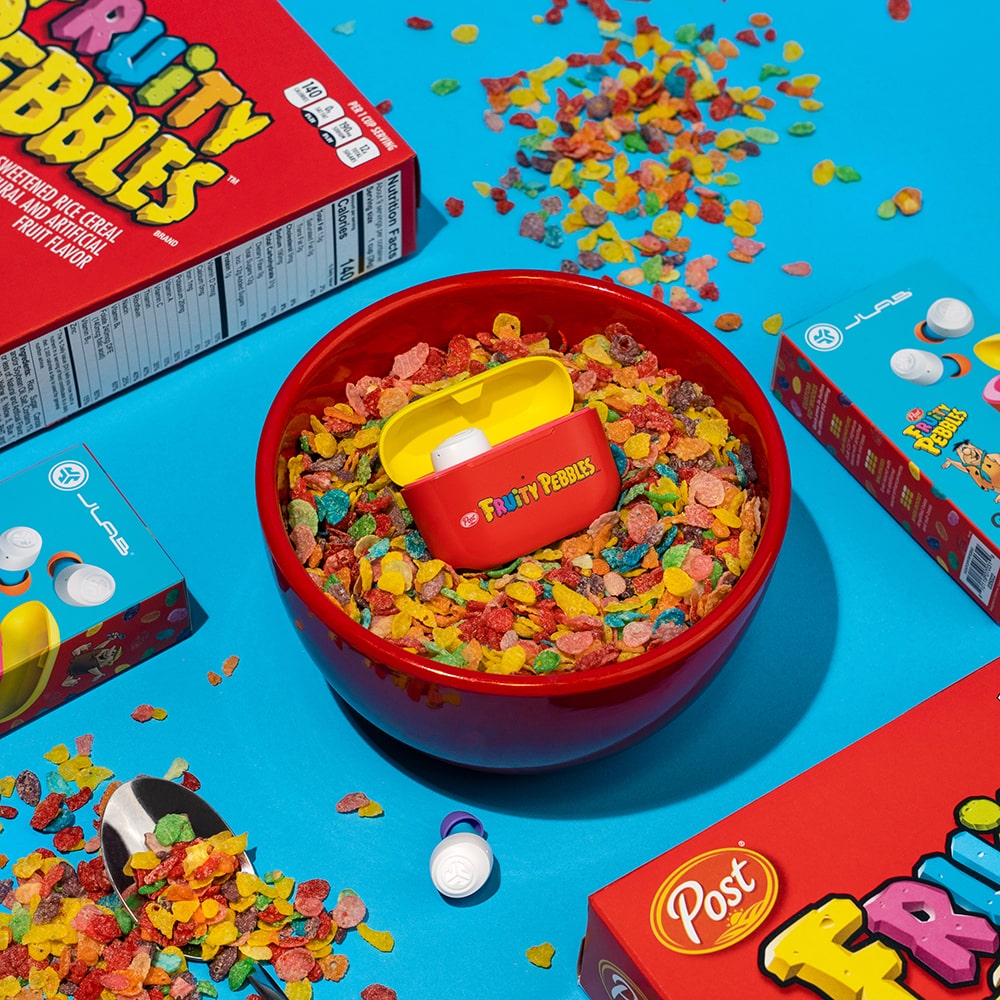
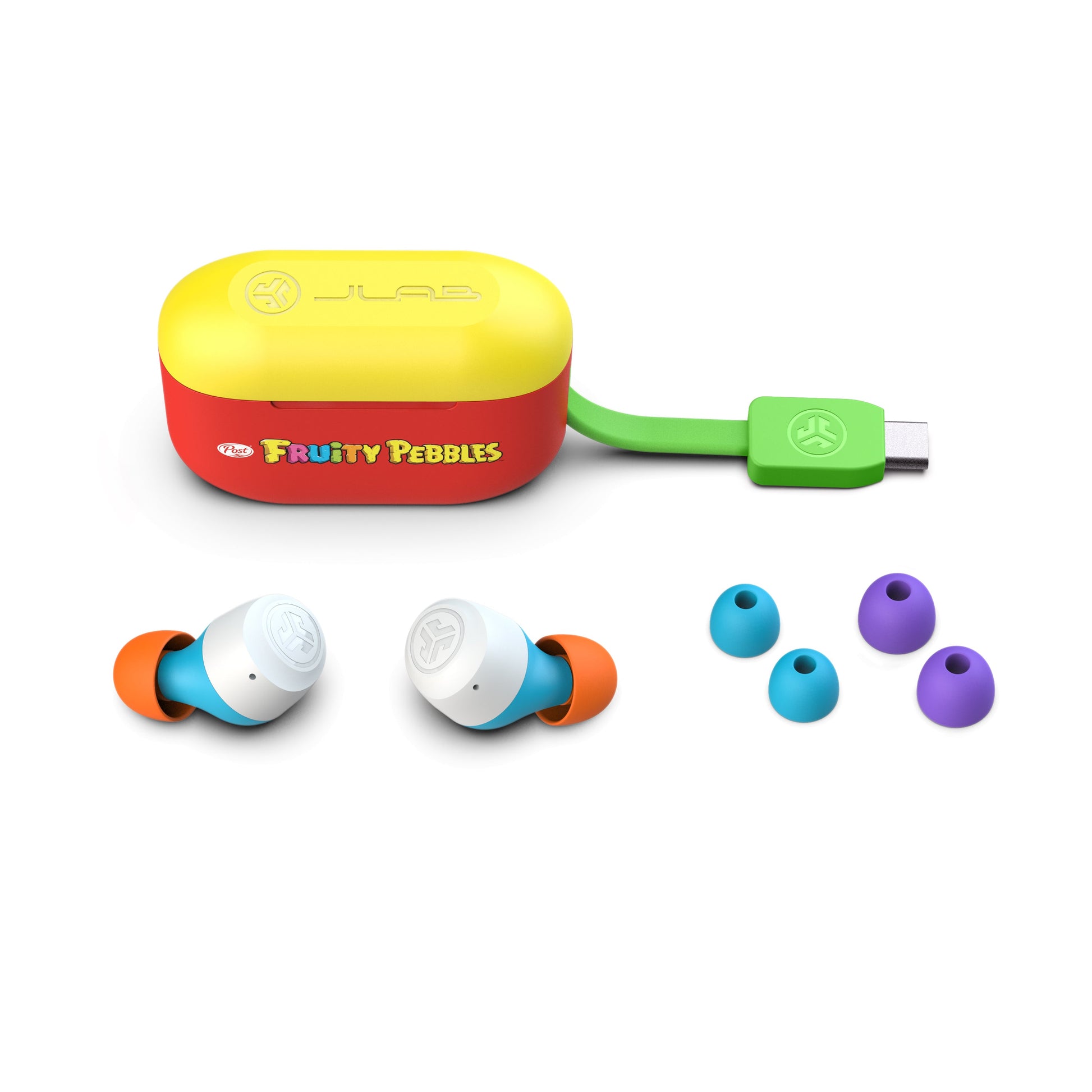
Fruity Pebbles
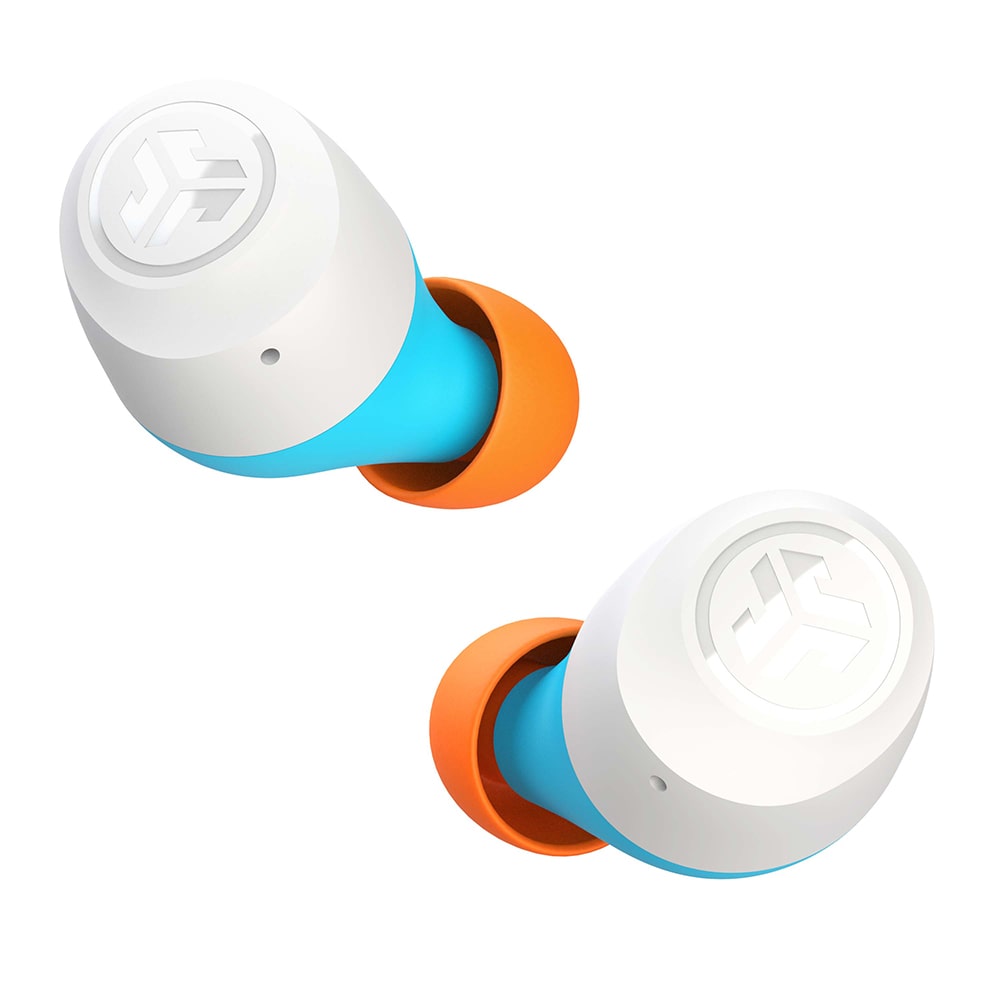
Go Air Pop
Écouteurs sans fil
Limited edition collab true wireless earbuds with 35 hours of playtime


Fruity Pebbles
Go Air Pop
Quick Look

LONG BATTERY LIFE
32+ hours Bluetooth playtime

SPLASHPROOF
IPX4 sweat and splashproof

DUAL CONNECT
Clear calls + Dual Connect Either Earbud
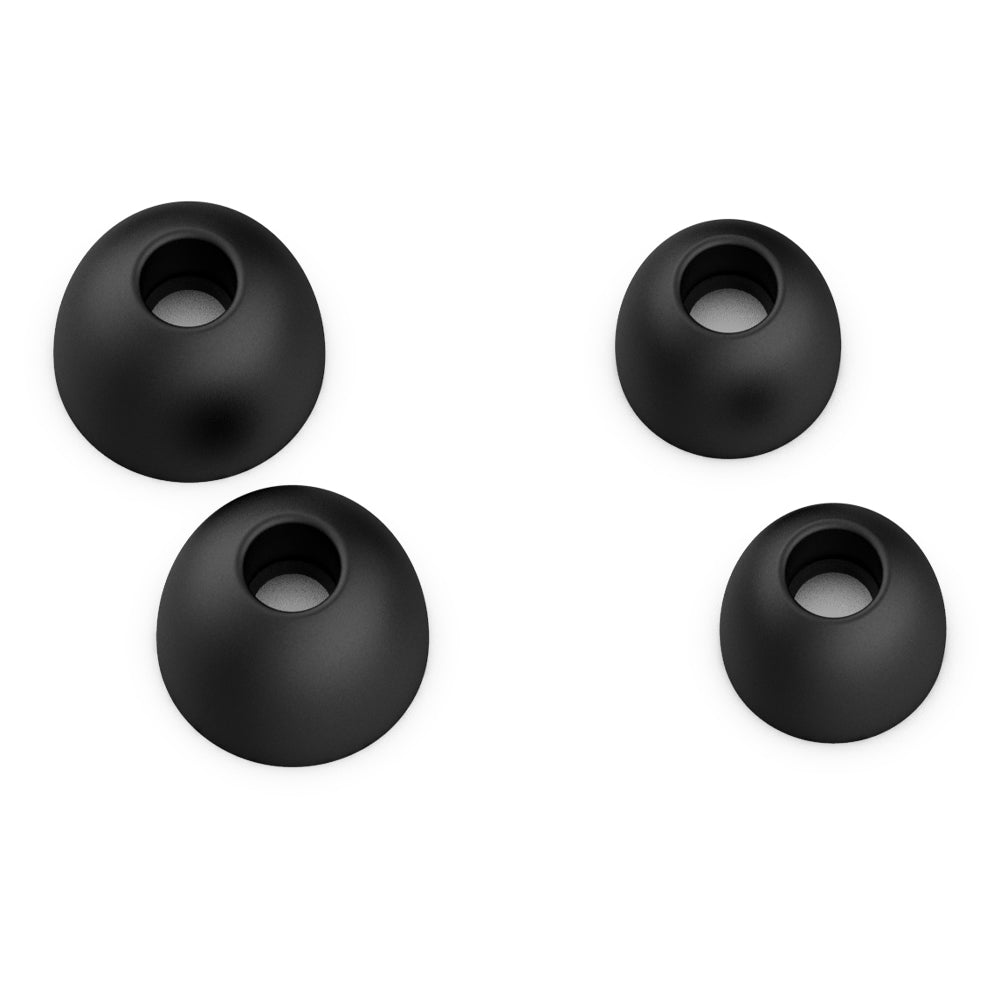
What's In The Box
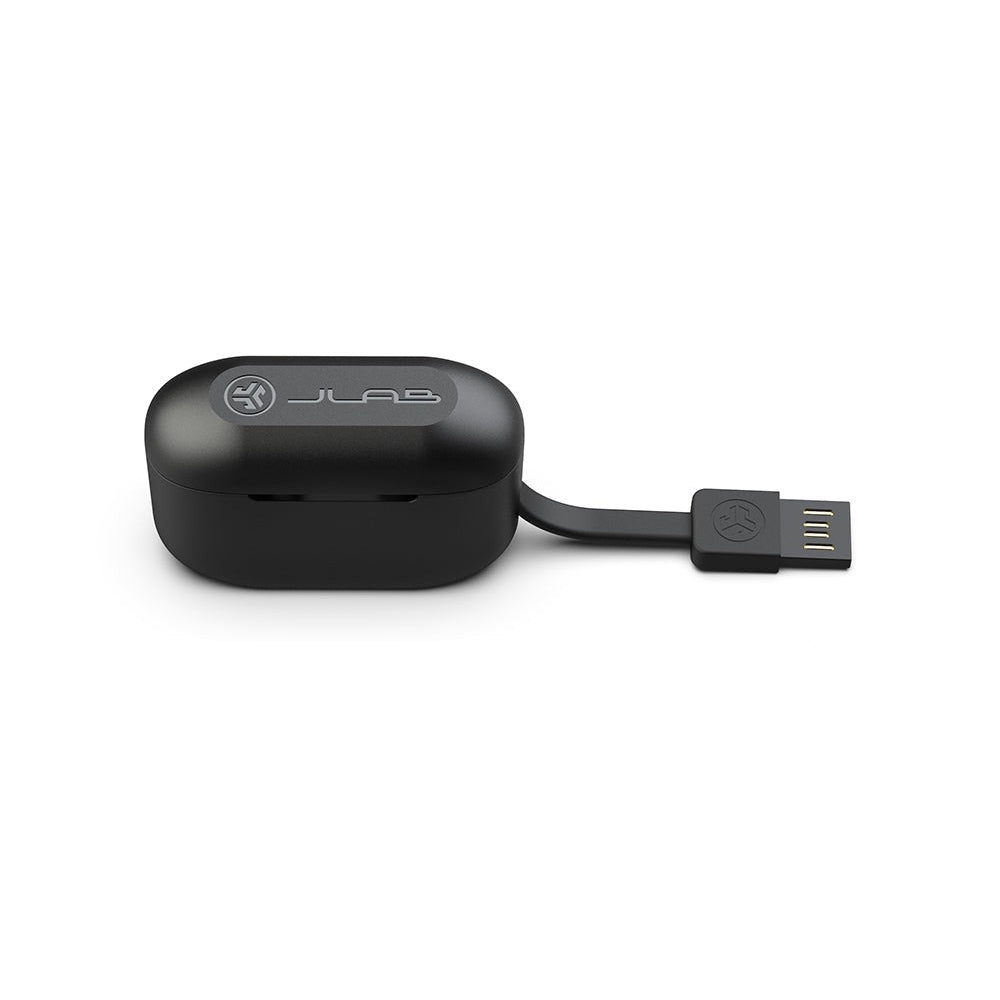
Pour les produits JLab avec batterie rechargeable
Ce produit ne comprend pas de chargeur ni d'adaptateur mural. La puissance du chargeur doit être entre 2,5 watts minimum requis par l'équipement radio et 5 watts maximum pour atteindre la vitesse de charge maximale.


Recevez-le par
Livraison standard
Expédition vers
Votre emplacement
Modifier
$35.00
Afficher